If you wish to change any of your contact information Kubota have on record about your dealership you can update these at anytime from the dealer details section.
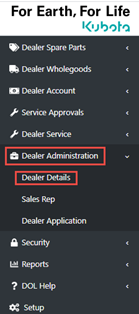
- From the Left menu side of Dealer on Line select “Dealer Administrator> Dealer Details”
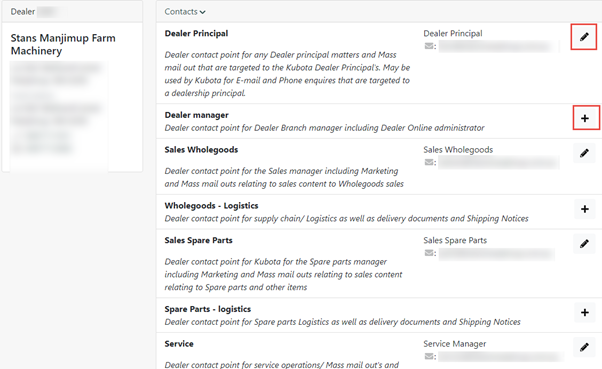
- In order to edit of any of the details listed click “Edit mode” or “Add Mode” against each contact point.
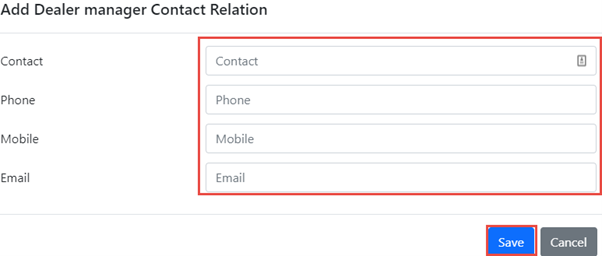
3. Update the Details window with new contact information. Click “save” once information has been updated.