To install the latest offline version of Krone D5 you will need to download the latest version of the DVD from the below location.
https://kubota.box.com/v/kronedownload
Please download and unzip the above file.
Once this is completed please run setup.exe as administrator - click next whenever prompted to install Krone and its data to the default locations.
Once Krone has installed successfully please launch it - you will be prompted with a login page - please login with the Agroparts login credentials.
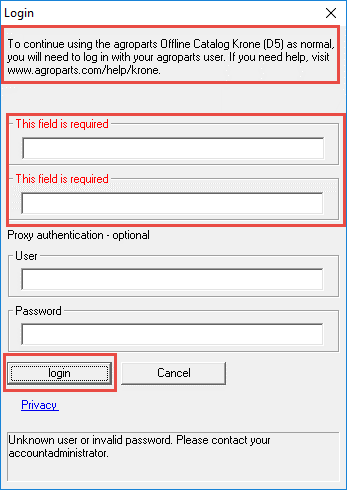
If there are any queries or issues after installation, please contact the Kubota ICT service desk.